
LinkedIn —
B2B Authority
Builder
LinkedIn is where professionals become thought leaders. 1 billion members, decision-maker audiences, and the highest B2B lead generation rate of any social platform. Your brand doesn't just get seen here — it gets trusted.
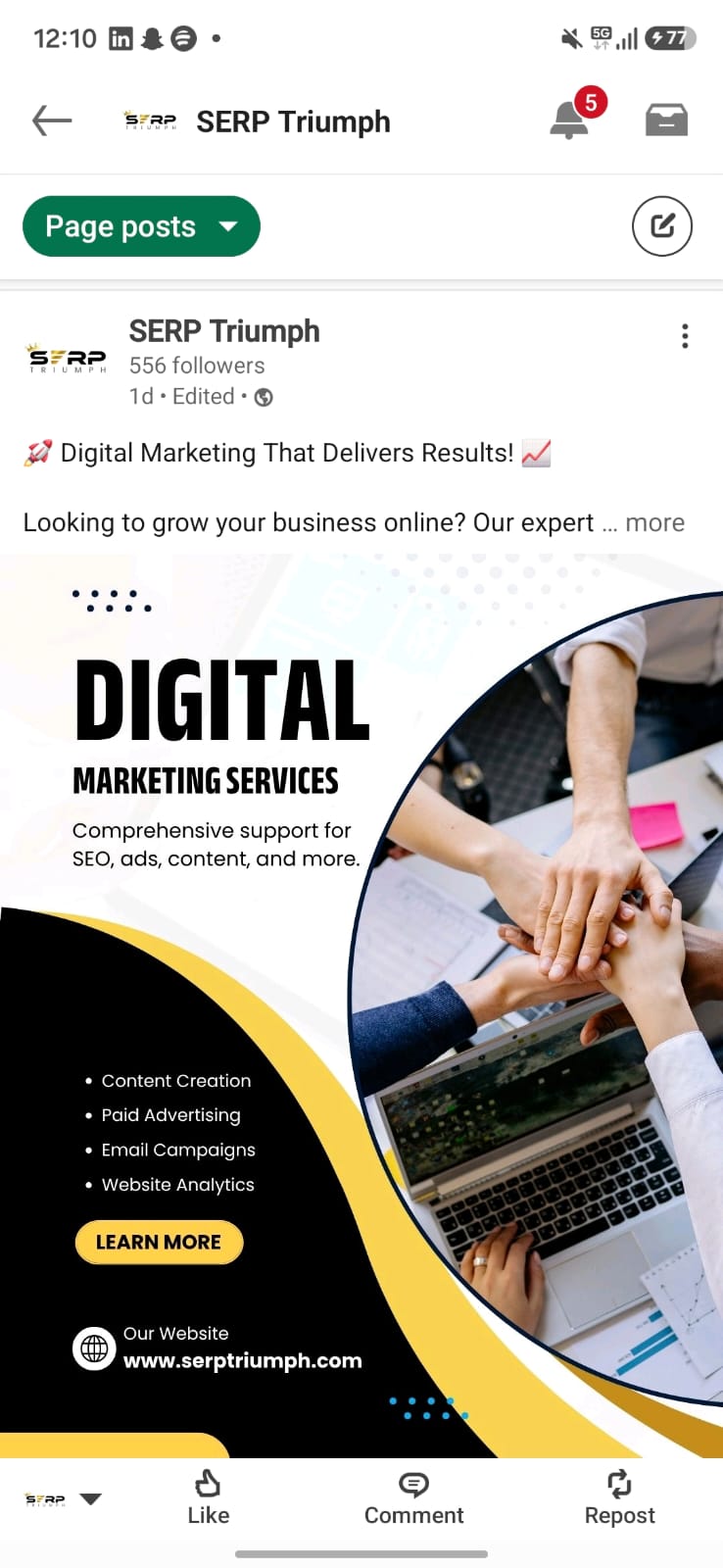
What is LinkedIn?
LinkedIn is the world's largest professional networking platform, owned by Microsoft. Launched in 2003, it has grown into the #1 platform for B2B marketing, recruitment, and thought leadership globally.
For businesses, LinkedIn functions as a professional authority hub — where you can connect with decision-makers, generate B2B leads, recruit top talent, and position your brand as an industry expert. From Dehradun to Dubai, LinkedIn delivers exceptional ROI for professional services.
Articles, Posts, Documents, Videos, LinkedIn Live — each format is designed to build credibility and reach the right professional audience.
Higher conversion rate vs other social platforms
Of B2B leads generated on LinkedIn
Decision-makers active on LinkedIn
More content consumed than job listings
Posts & Articles
Short updates and long-form thought leadership articles that establish your expertise
Documents & Carousels
PDF-style slides — the highest-engagement format on LinkedIn right now
Video & LinkedIn Live
Native videos and live sessions — get 5x more reach than text posts
LinkedIn Pages
Company pages to showcase your brand, share updates, and attract talent and clients
How to Create a LinkedIn Account
A step-by-step guide — from creating your personal profile to setting up a Company Page, everything explained here.
Go to LinkedIn.com
Open linkedin.com in your browser or download the LinkedIn app from the Google Play Store (Android) or Apple App Store (iOS). LinkedIn works best on desktop for business use.
Sign Up
Click "Join now." Enter your first name, last name, email address, and a strong password. For businesses, use your professional email — it builds credibility and trust.
Create a Strong Password
Your password should be 8+ characters long — combine uppercase letters, lowercase letters, numbers, and special characters (e.g. @, #, !). Never use your date of birth or name.
Build Your Profile
Add a professional headshot (not a logo — LinkedIn is people-first), write a compelling headline (not just your job title), add your experience, education, and skills. A complete profile gets 40x more views.
Create a Company Page
Go to "Work" (top-right grid icon) → "Create a Company Page." Add your company name, website, industry, size, and logo. This is your brand's official LinkedIn presence — separate from your personal profile.
Optimise Your Page
Add a profile image (logo, 300x300px), a cover banner (1128x191px — use Canva), write your About section (up to 2,000 characters), add your specialities, and include a custom CTA button like "Visit Website" or "Contact Us."
How to Log In and Keep Your Account Secure
Login Process
- Open linkedin.com or the app
- Click the "Sign in" button
- Enter your registered email address
- Enter your password and click "Sign in"
- Check "Keep me logged in" on personal devices
- Managing multiple accounts? Use separate browsers
Password Best Practices
- Use a minimum of 12 characters
- Combine uppercase, lowercase, numbers, and symbols
- Use a different password for every platform
- Use a password manager (LastPass, 1Password)
- Change your password every 3 months
- Never share your password with anyone — ever
Two-Factor Authentication
- Settings → Sign in & Security → Two-step verification
- Choose SMS or an Authenticator App
- Google Authenticator is the best option
- Save your backup codes (print them out)
- An OTP will be required to verify each login
- Reduces the risk of a hacked account by 99%
Phishing Protection
- Be cautious of fake LinkedIn emails
- Official domain: @linkedin.com or @e.linkedin.com
- Never click on suspicious job offer links
- Do not log in via links received in InMail
- If suspicious activity is detected, change your password immediately
- Do not grant access to unknown third-party apps
Account Recovery
- Forgot password? → Reset via Email/SMS
- Add a recovery phone number under Settings
- Keep both your phone number and email linked
- Account can be recovered using Government ID
- Recovery links are valid for 24 hours
- Always maintain multiple recovery methods
Device Management
- Settings → Sign in & Security → Where you're signed in
- Remove any unrecognised devices immediately
- Always "Sign out" on public or shared devices
- Enable auto-login only on personal devices
- Use a separate browser profile for work
- Keep the app updated — for security patches
What to Post on LinkedIn?
A winning B2B content strategy — how many posts, when to post, and what to post — with a complete weekly schedule.
Document Posts
Highest reach — carousel-style PDFs with insights & tips
Text Posts
Personal stories & opinions — triggers conversations
Native Video
5x more reach — insights, behind-the-scenes, demos
LinkedIn Articles
Long-form authority content — shows up on Google
| DAY | CONTENT TYPE | BEST TIME (IST) | TOPIC IDEA | PRIORITY |
|---|---|---|---|---|
| Monday | 📄 Document Post | 8 AM – 10 AM | "5 lessons from last week" / Industry insight | High |
| Tuesday | 📝 Text Post | 9 AM – 11 AM | Personal story / Contrarian opinion / Lesson | High |
| Wednesday | 📹 Native Video | 11 AM – 1 PM | Tips, How-to, Behind the scenes of your work | Medium |
| Thursday | 📄 Document Post | 8 AM – 10 AM | Case study / Process breakdown / Client result | High |
| Friday | 📝 Text Post | 12 PM – 2 PM | Week reflection / Gratitude / Team spotlight | Medium |
| Saturday | 📰 Article | 10 AM – 12 PM | Deep-dive thought leadership / Industry trend | High |
| Sunday | — | Rest Day | Engage with others' comments instead | Optional |
10 Golden Rules for LinkedIn Growth
Post Document Carousels
LinkedIn's algorithm gives Document posts the highest organic reach. A well-designed 10-slide carousel teaching something valuable can generate 10x more impressions than a plain text post. Use Canva to create them.
Hook Them in the First Line
Only the first 2 lines show before the "see more" button — make them count. Start with a bold claim, surprising statistic, or provocative question. If they don't click "see more," the algorithm won't push your post.
Write Like a Human, Not a Brand
LinkedIn rewards personal, authentic posts over corporate-speak. Share failures, lessons, and opinions — not just achievements. Personal profile posts consistently outperform Company Page posts by 5-10x in reach.
Engage in the First 60 Minutes
The first hour after posting is critical. Reply to every comment — quickly. This signals to the algorithm that your content is driving conversations and causes it to push your post to a wider network.
Use Smart Hashtags
Use 3–5 relevant hashtags per post — not 30. Focus on niche hashtags (#DehradunBusiness, #B2BMarketing) mixed with broad ones (#LinkedInTips). Too many hashtags actually reduce your reach on LinkedIn.
Optimise Your Profile as a Landing Page
Your LinkedIn profile is your best sales page. Optimise your headline, About section (use keywords), and Feature section (pin your best content, website, or lead magnet). A complete profile is 40x more discoverable.
Build Relationships, Not Just Followers
Send personalised connection requests — not the default message. Comment meaningfully on others' posts in your niche before you post your own. The more relationships you build, the wider your organic reach becomes.
Track Your Analytics Every Week
Check your LinkedIn analytics every Sunday — impressions, profile views, connection growth. Identify your top-performing post format and double down on it. Data-driven posting beats guesswork every time.
Use LinkedIn Creator Mode
Turn on Creator Mode (Settings → Profile) to unlock features like a Follow button instead of Connect, access to LinkedIn Live, and a dedicated Featured section. Creator Mode dramatically increases your profile's reach.
Include a Clear CTA in Every Post
Every post needs a Call-to-Action — "Save this post", "Comment your thoughts below", "DM me for a free audit". A post without a CTA is a missed opportunity. Tell your audience exactly what to do next.
Get Your LinkedIn Managed by Experts
Grow your LinkedIn brand professionally with Dehradun's #1 digital marketing agency. From strategy to content creation — we handle it all.